
React feedback components
Compare notifications, status indicators and animated feedback components with live previews and editable source.
Feedback 1–24 of 24
Scroll progress 001
Skiper UI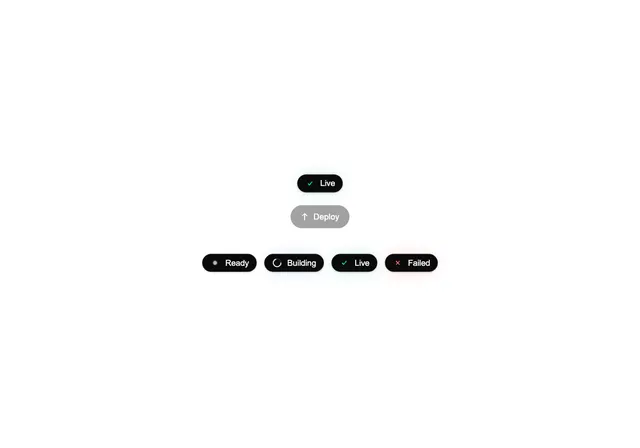
Badge Morph
Ruixen UI
Screensaver 404
Fancy Components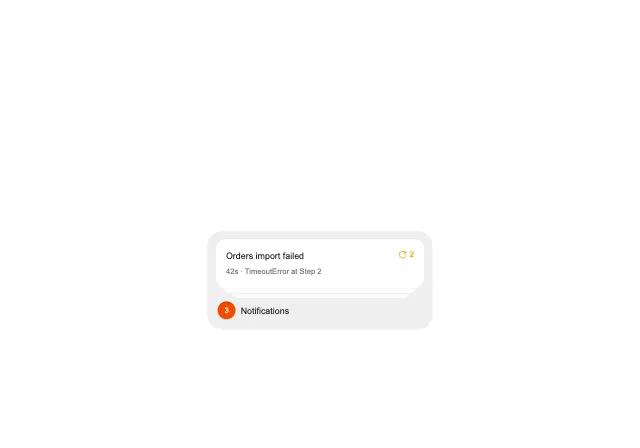
Notification Stack
BE UI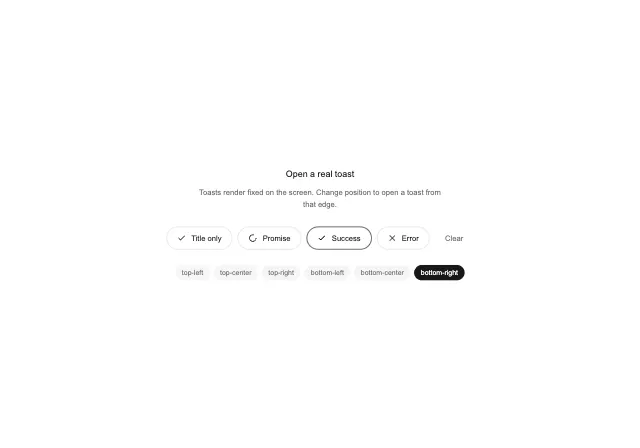
Animated Toast Stack
BE UI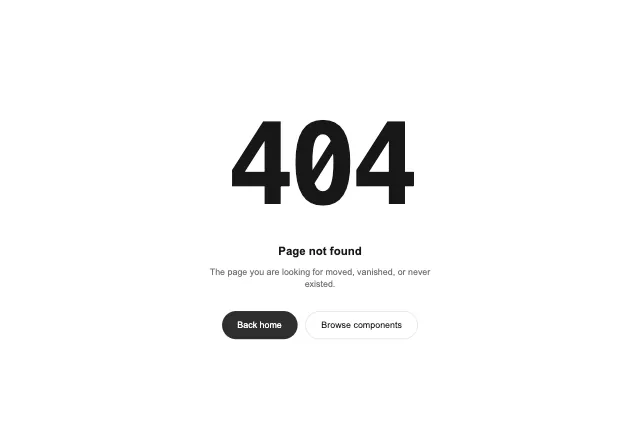
Glitch 404
BE UI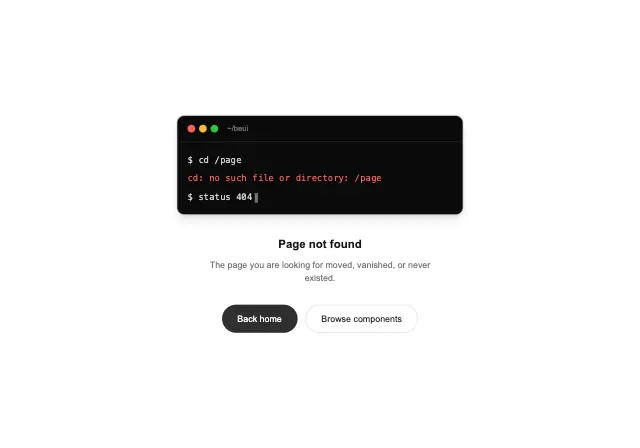
Terminal 404
BE UI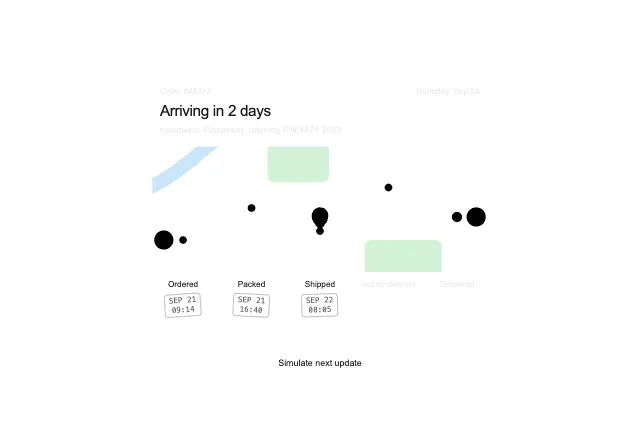
Order tracker
Xevrion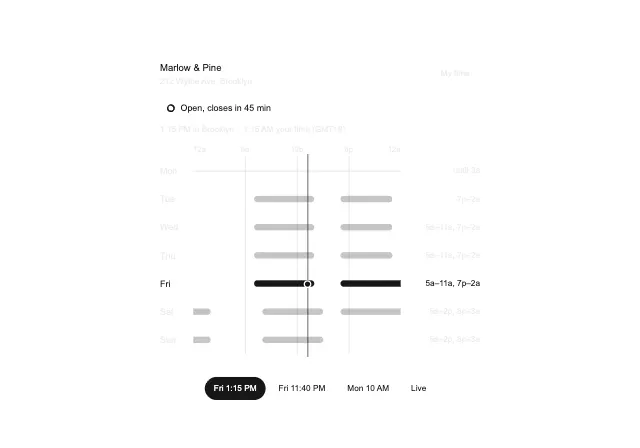
Store hours
Xevrion
Reactions
Xevrion
Storage meter
Xevrion
AirDrop Radar
UI Capsule
Feature Voting
Cult UI
Shy Heart
ericts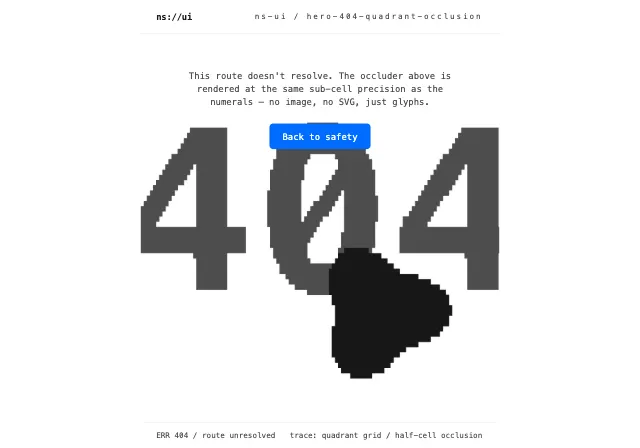
Hero 404 Quadrant Occlusion
NS UI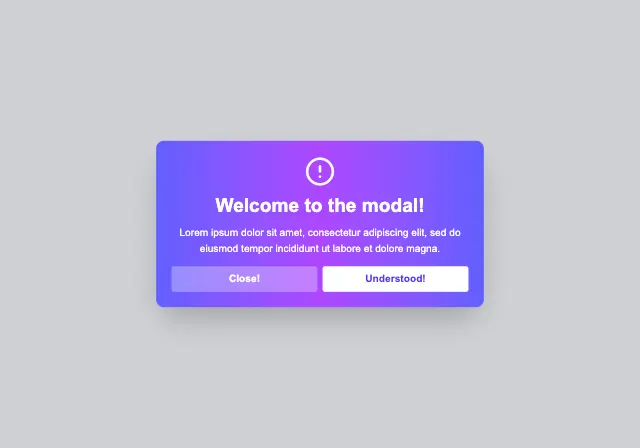
Modal
Animata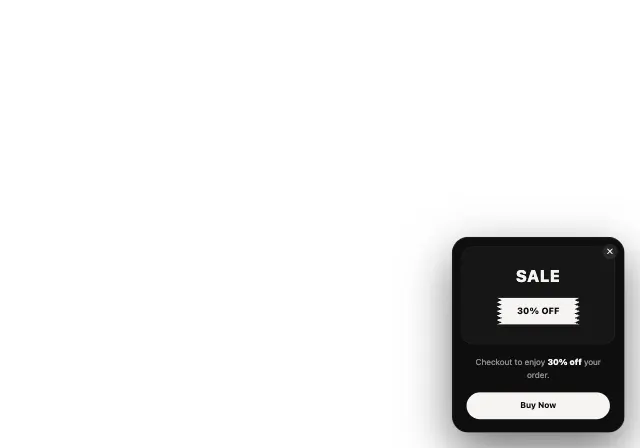
Sales Ticket Popup
React Frame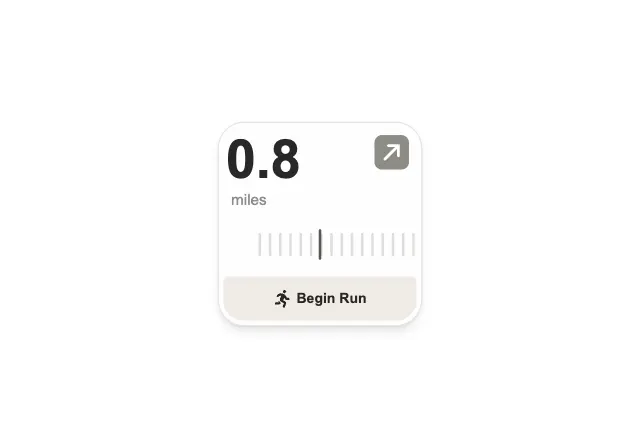
Run Widget
Watermelon UI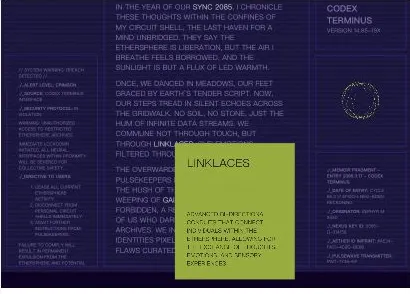
Segmented Pixel Tooltip Animation
Codrops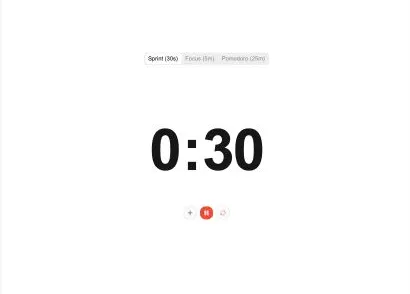
Fluid Countdown
Space UI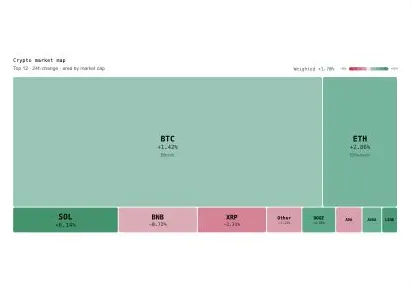
Market Heatmap
Spectrum UI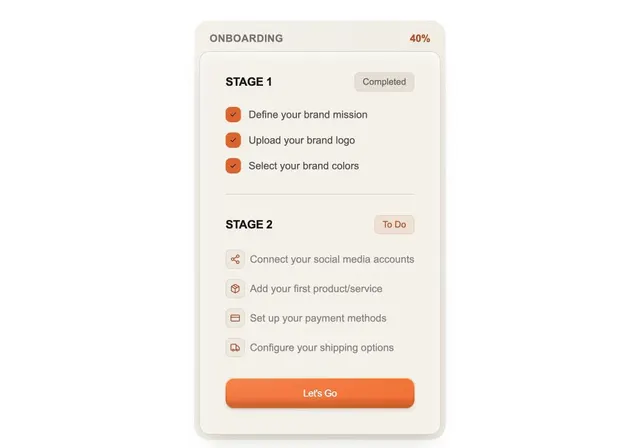
Onboarding Stages
bjork-ui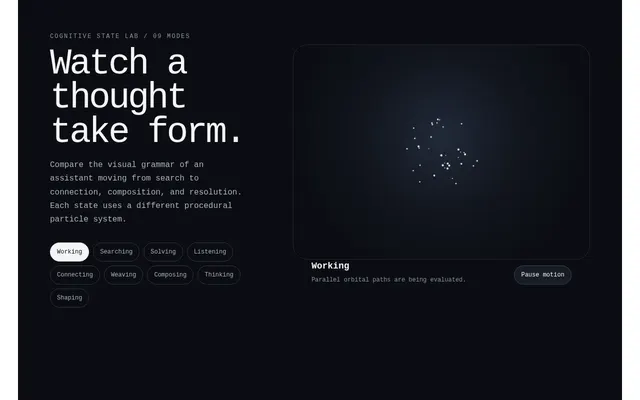
Cognitive State Orb Lab
Space UI
Github Stars Animation
Smooth UIChoosing feedback components
Tie the feedback to an actual outcome
Use immediate feedback for a completed local action and a pending state for work that still depends on a server. A success animation should not appear before the operation has succeeded.
Check the final interaction
Test failures, repeated submissions and dismissal. Keep important messages available long enough to read, and verify announcement behavior in the final application.
Last updated: .