
Interactive React input components
Browse text fields, selectors and input interactions. Compare live behavior and integration needs before installing.
Inputs 1–24 of 65
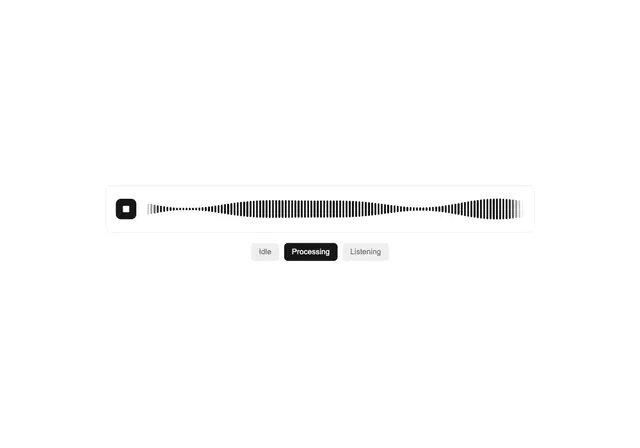
Live Waveform
Ruixen UI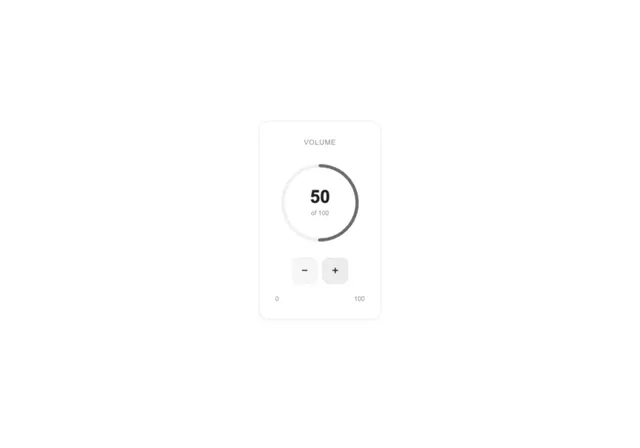
Circular Stepper Input
Ruixen UI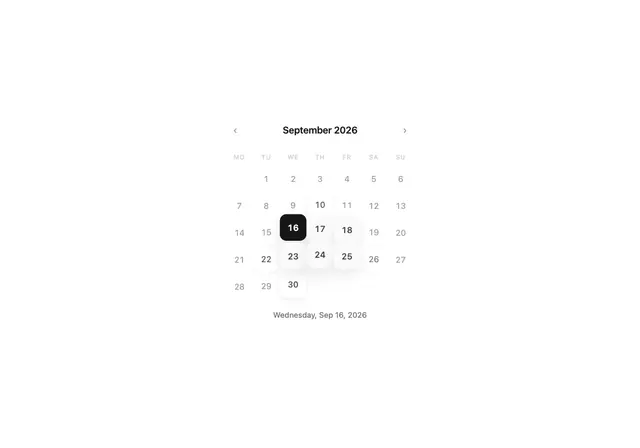
Calendar Wave
Ruixen UI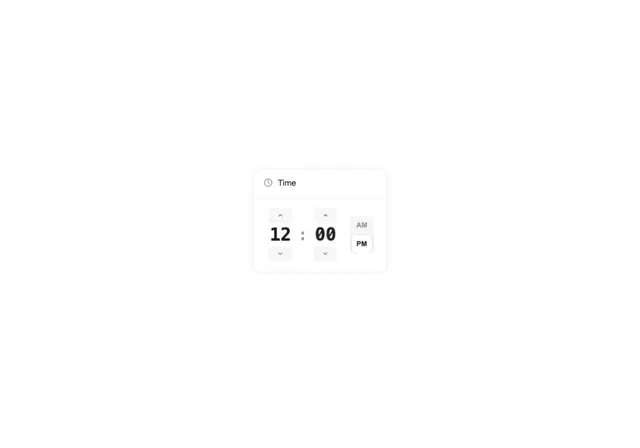
Better Time Picker
Ruixen UI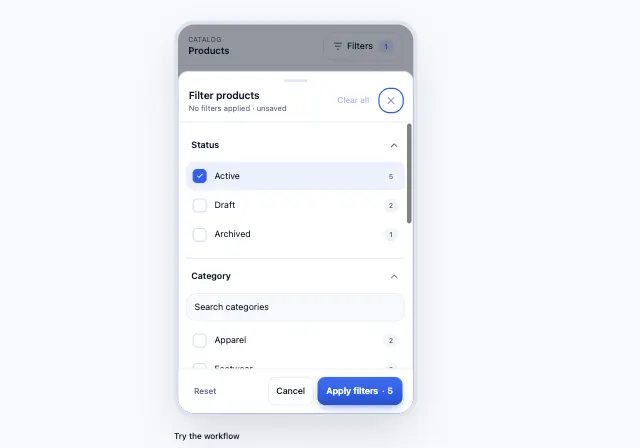
Mobile Filter Sheet
Motiq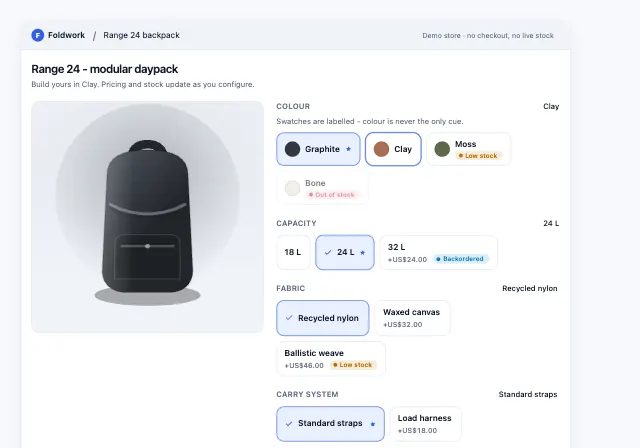
Product Variant Selector
Motiq
Flip Calendar
AI Canvas
Blind Pull Toggle
AI Canvas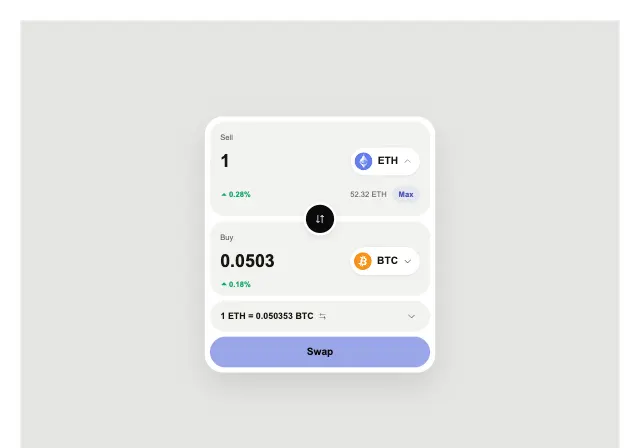
Crypto Swap
AI Canvas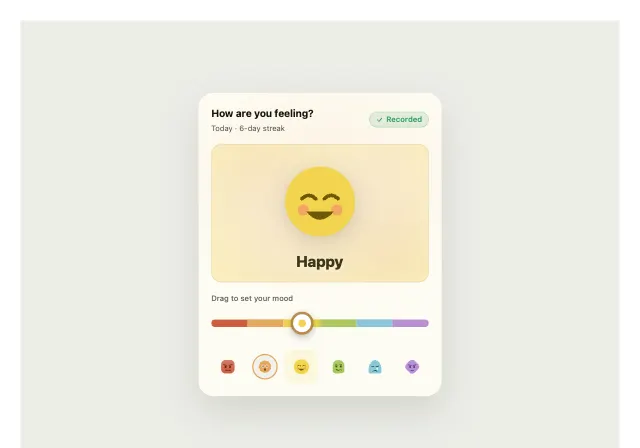
Mood Tracker
AI Canvas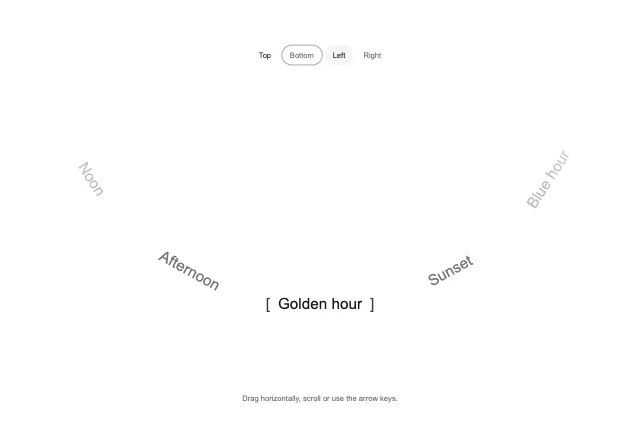
Arc Picker
BE UI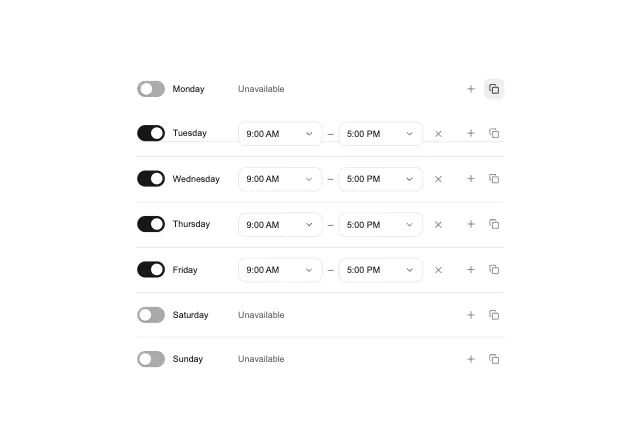
Availability Scheduler
BE UI
Morphing Search
BE UI
Adaptive Stepper
BE UI
Fluid Range Slider
BE UI
Wave Range Slider
BE UI
Bubble Range Slider
BE UI
Wheel Picker
BE UI
Multi-chain Swap
BE UI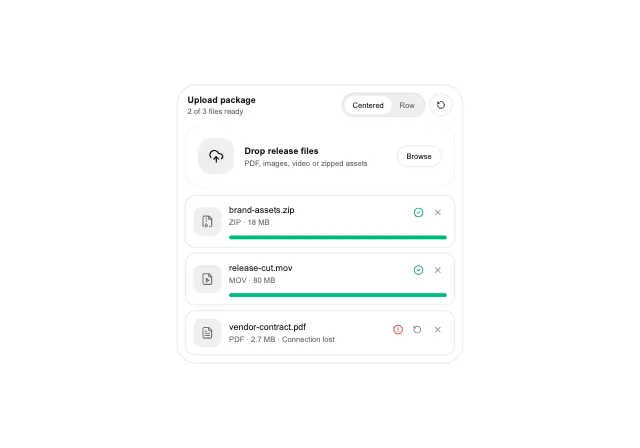
Upload Queue
BE UI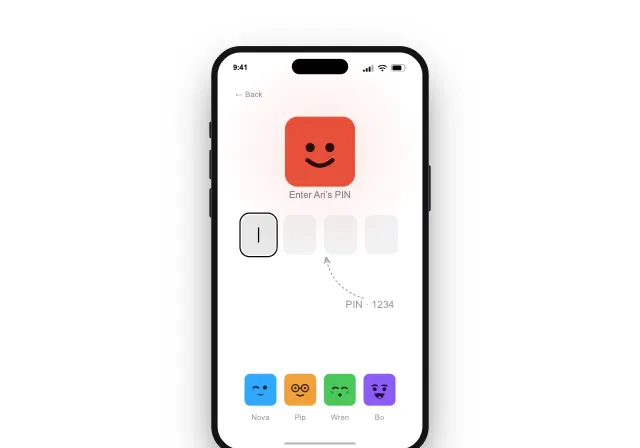
Netflix Sign In
Craft UI
Approve Switch
Craft UI
Voice Input
Spectrum UI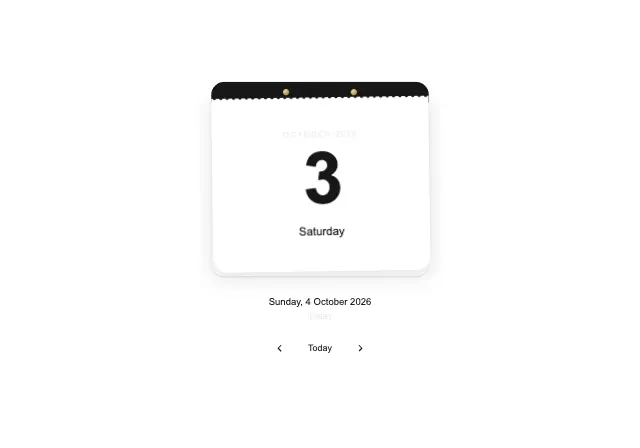
Tear off calendar
XevrionChoosing inputs components
Try real values before styling the field
A numeric entry, a search field and a multi-value selector have different editing rules. Test empty input, pasted content and partially entered values rather than only the completed demo state.
Check the final interaction
Wire the control to validation and submission in your app. Check labels, error messages, focus and touch targets; a visual input example does not supply your application data model.
Last updated: .