
React interaction components
Explore cursor, drag, hover and stateful React interactions. Try the demos and inspect how each effect is triggered.
Interaction 1–24 of 162

On Scroll View Switch
Codrops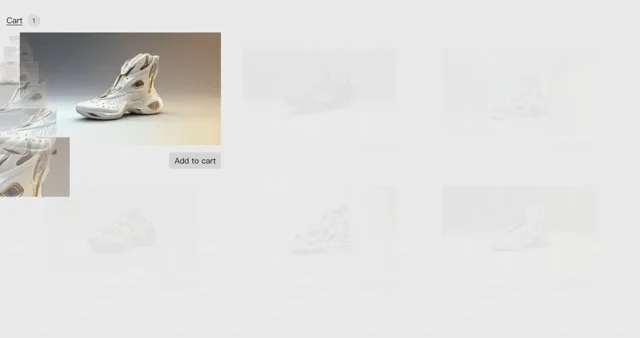
Shopping Cart Animation
Codrops
Cursor Trail
Kraavon UI
Loop animation hook
Skiper UI
Repetition Hover Effect
Codrops
Ideas for Image Motion Trail Animations
Codrops
Gooey Cursor Effect
Codrops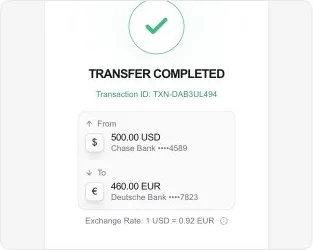
Currency Transfer
Kokonut UI
Orbiting Circles
Magic UI
Agent Avatar
Smooth UI
Mac Terminal
Smooth UI
Magnetic Field
Smooth UI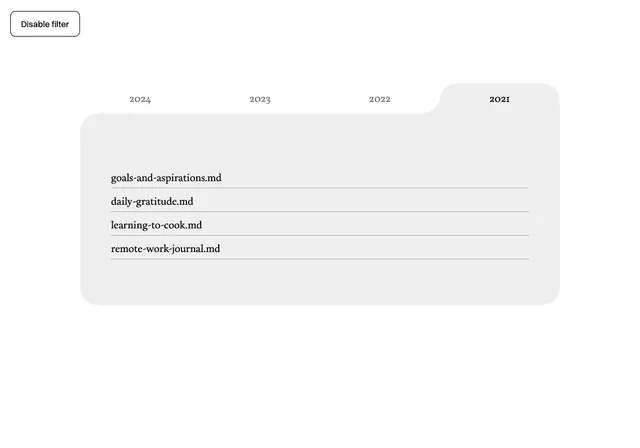
Gooey SVG Filter
Fancy Components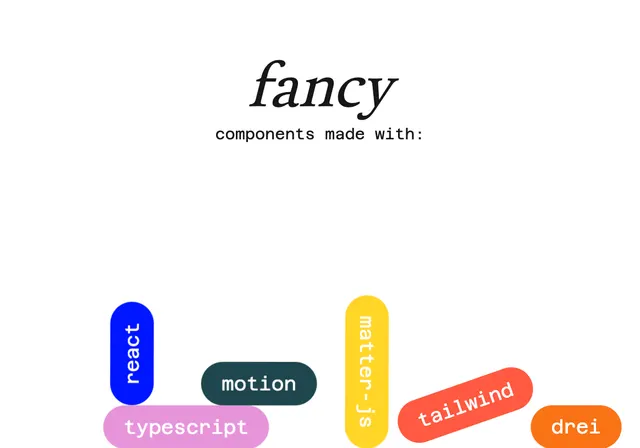
Gravity Tags
Fancy Components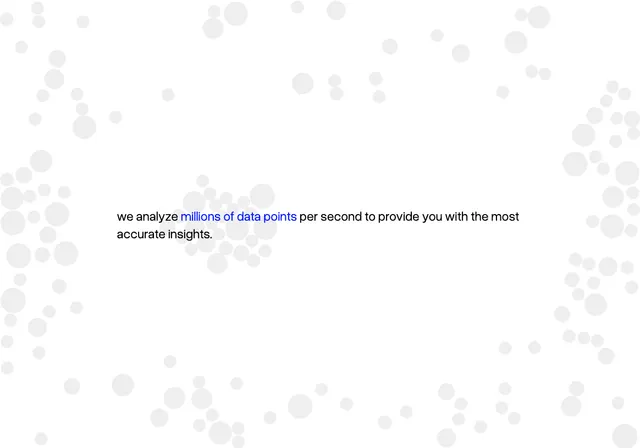
Cursor Gravity
Fancy Components
Floating Elements
Fancy Components
Circling Elements
Fancy Components
Blob Cursor
React Bits
Cursor Grid
React Bits
Ghost Cursor
React Bits
Glow Cursor
React Bits
Magnet Lines
React Bits
Splash Cursor
React Bits
Swarm Cursor
React BitsChoosing interaction components
Start with an observable response
Pick an interaction that clarifies an action: a drag changes position, a control changes state, or a hover reveals a useful detail. Decorative feedback should not hide an essential operation.
Check the final interaction
Try repeated actions and leaving the target midway through a gesture. Check cleanup on unmount and provide a touch or keyboard equivalent when pointer movement is part of the effect.
Last updated: .