
React text animation components
Choose the reveal around what the text communicates. Numbers, short headlines and long reading passages need different treatment.
Typography 1–24 of 116
Text Clip Scroll
Codrops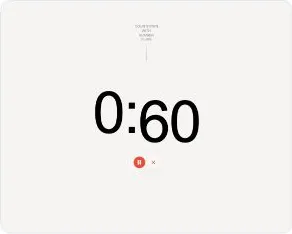
Animated number
Skiper UI
Text Scroll animation
Skiper UI
3D perspective text
Skiper UI
Glass Text Effect
Codrops
On-Scroll Text Motion
Codrops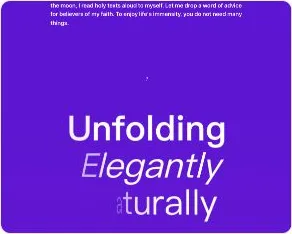
On-Scroll Typography Animations
Codrops
Circular Text Effect
Codrops
Number Ticker
Magic UI
Text Shimmer
Motion Primitives
Sparkles Text
Magic UI
Gradual Spacing Text
Eldora UI
Dynamic Text
Kokonut UI
Glitch Text
Kokonut UI
Matrix Text
Kokonut UI
Hyper Text
Magic UI
Morphing Text
Magic UI
Spinning Text
Magic UI
Depth Parallax Words
Smooth UI
Number Flow
Smooth UI
Perspective Text 3d
Smooth UI
Scramble Hover
Smooth UI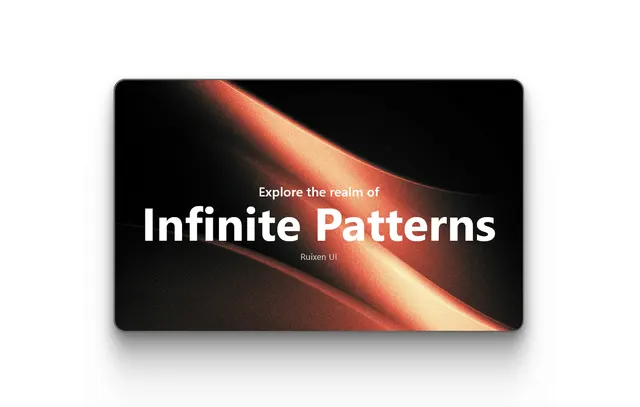
Container Text Scroll
Ruixen · 21st.dev
Hero Title Animation
Ruixen UIChoosing typography components
Start with the reading task
Use Number Ticker for a changing numeric value. For expressive headings, compare effects at the actual line length and font size. Prefer a readable final state over a long animation before the text becomes visible.
Keep long body copy readable without waiting for an entrance. Check the installed source and the final page for reduced-motion behavior; a gallery animation is not an accessibility certification.
Integration checks
Mount a native component inside your own heading or label so the host page retains its meaning. Confirm line wrapping at your actual font size, then compare normal and reduced-motion modes. Gallery loops are demonstrations; installed entrance animations may play only once.
Count-up numbers are different from text reveals
For a statistic, Number Ticker changes a numeric value. A shimmer or character reveal changes how existing text appears. Choose around that distinction before comparing animation styles. Keep a static final label available when motion is reduced or the number is essential to understanding the page.
Last updated: .